
As your integration landscape expands, the challenge shifts from simply getting connected to making that data actively work for you. This quarter, we’re focused on giving your team deeper visibility, more control, and smarter tools to move faster.
From centralized monitoring views to new support for national exchange standards like 360X, and now AI capabilities built directly into your integration workflows, these updates are designed to eliminate technical bottlenecks. Whether you’re a long-time partner or exploring Redox for the first time, this month-by-month breakdown highlights the tools we’re building to help you move from reactive troubleshooting to proactive orchestration.
June 2026 Release
MCP server
Redox’s MCP server gives you a new way to work with Redox Engine. In addition to the dashboard, you can now manage, configure, monitor, and automate your Redox environment through any MCP-compatible AI client you already use — Claude, Cursor, Copilot, and more.
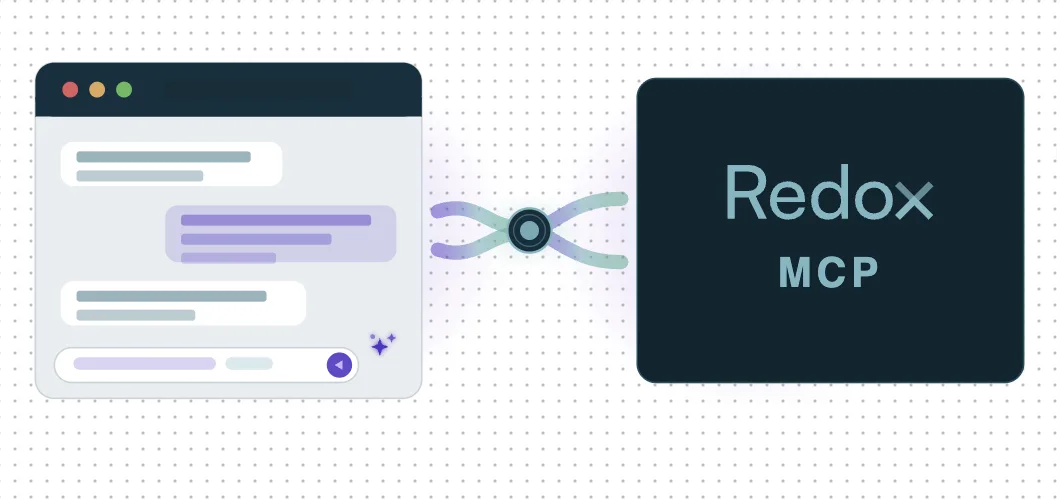
Built on the Redox Platform API, the MCP server gives your AI agent access to more than 100 endpoints to execute tasks on your behalf using natural language. Connect the hosted MCP server in under 5 minutes and start managing healthcare integrations without ever leaving your local environment.
- Learn how to enable the MCP server in your Redox dashboard.
- Get started with sample MCP prompts and use cases.
See how teams can use the Redox MCP Server to set up a connection to stream data directly to Databricks. Watch the on-demand session
AI Assistant Suite
Understanding a failed log, decoding a raw payload, or building a config modifier to map your data has always demanded deep technical expertise or a support ticket and a wait.
That changes with three AI-powered assistants now embedded in the Redox dashboard, built for everyone from project managers to integration engineers:
Config Modifier Assistant: Build config modifier schemas using plain-language prompts to reduce manual mapping work and speed up complex configuration tasks.
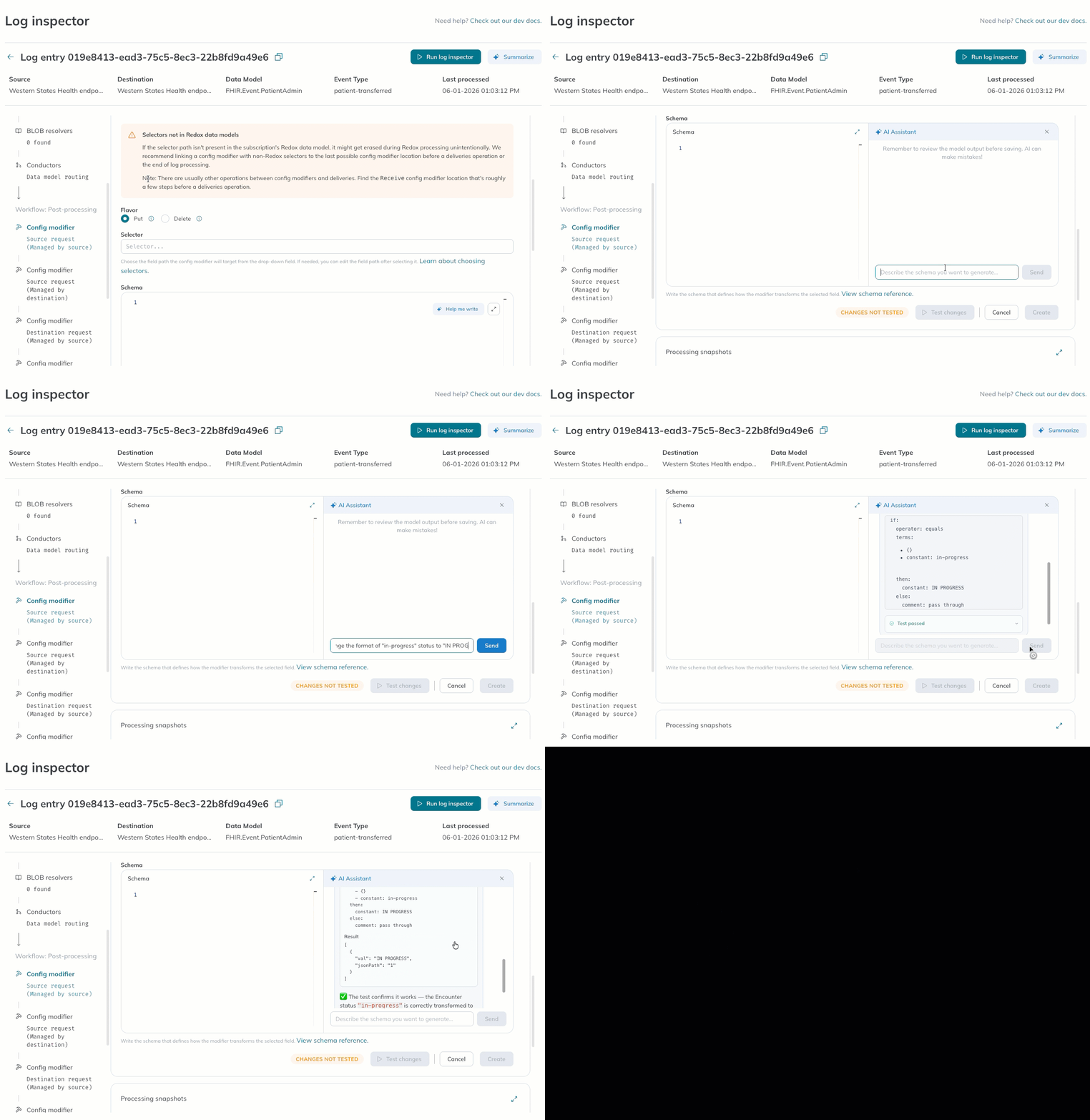
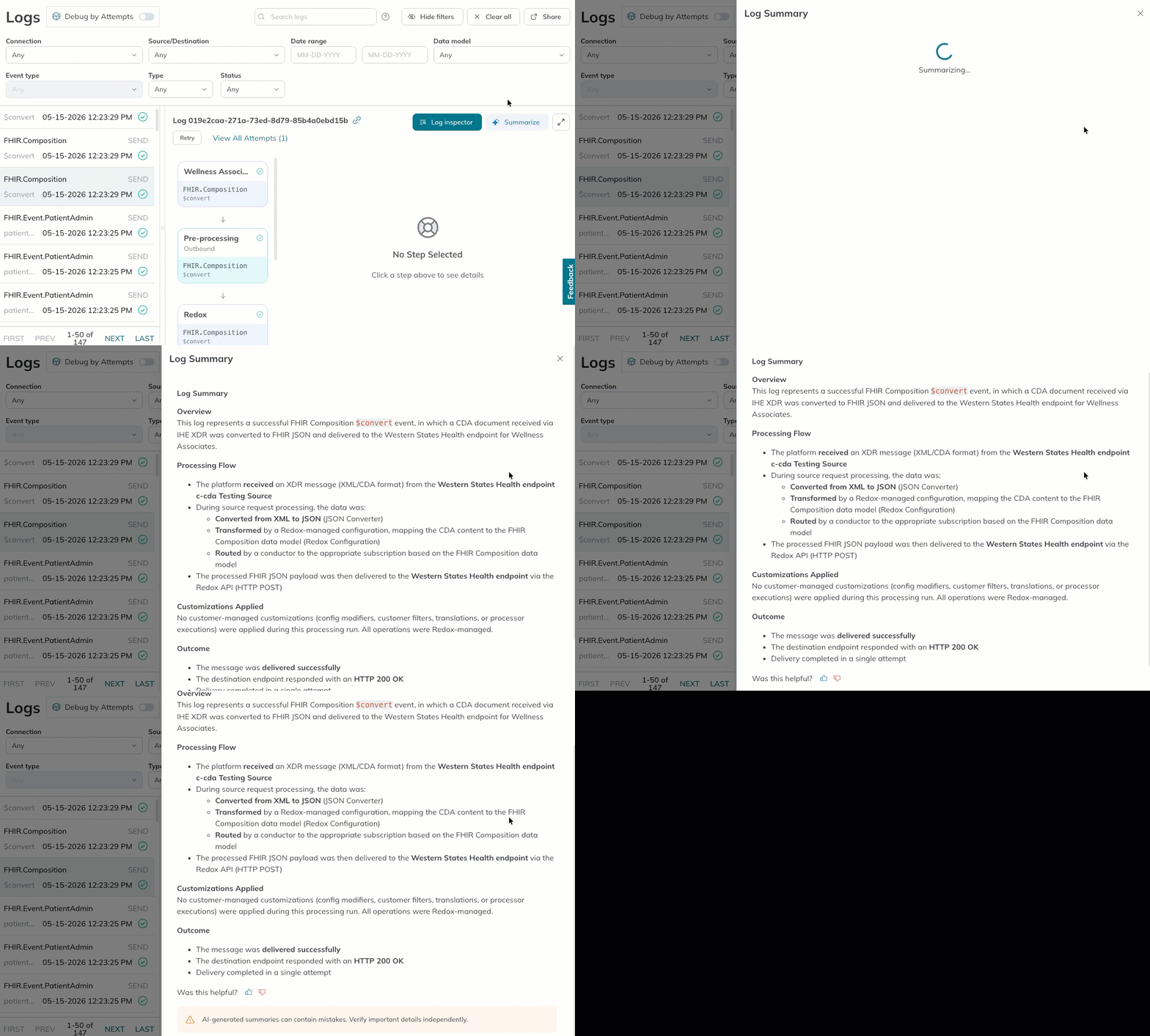
Log Summary Assistant: Instantly understand what happened during processing with plain-language summaries of transformations, customizations, errors, as well as recommended next steps.
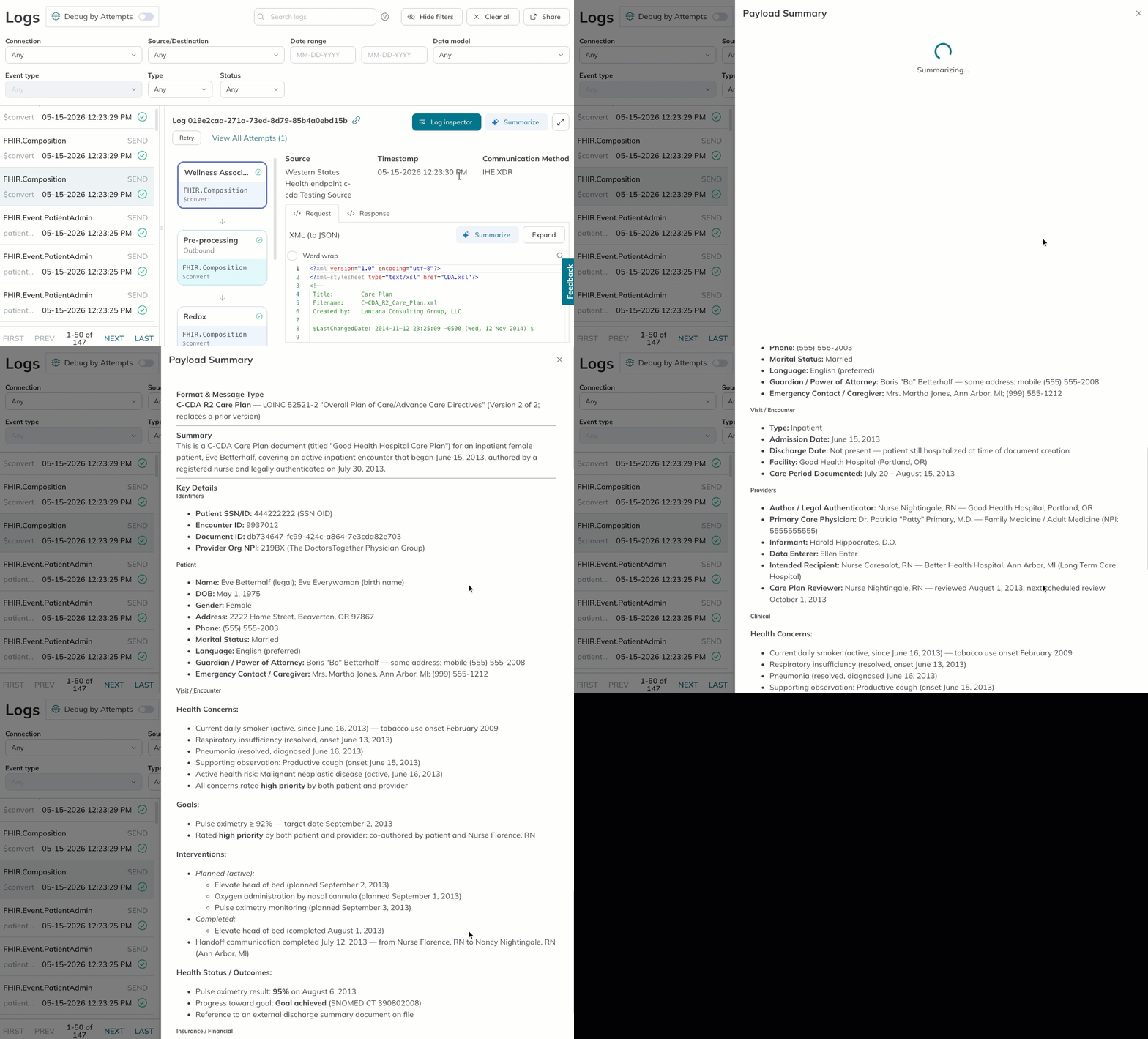
Payload Summary Assistant: Quickly decode raw payloads with AI-generated summaries that surface message types, identifiers, and key clinical or operational details.
Empower your team to do more inside the Redox dashboard, without pulling in technical resources. Enable the AI assistants and get started today.
Route-based VPNs
Redox now supports route-based VPNs, a flexible, modern VPN configuration option that simplifies routing and scalability. Learn more about using VPN authentication with Redox.
May 2026 Release
Workflow Viewer
As healthcare data workflows become more dynamic, composable, and conditional, the tools used to understand them need to evolve too.
That’s why we’re introducing Workflow Viewer – a visual layer on top of your logs. Workflow Viewer turns executed integration logic into an interactive flow diagram alongside underlying log details, so you can quickly understand how data moves, where processes branch, and how everything ties together.
This enables teams to understand data behavior across complex integrations, troubleshoot faster, and quickly align technical and non-technical stakeholders. This release is a critical step toward our commitment to a modern, visual-first Redox experience.
Workflow Viewer is available today in the Logs page of the Redox Dashboard for any Redox customers actively using orchestration logic.
Learn more about what workflow viewer can unlock for your team.
Explore our library of flexible, composable workflow templates.
A fresh look to the Redox interop platform
Over the coming weeks, users may notice a handful of small visual updates across the Redox dashboard — including tweaks to font sizing, spacing, and colors.
Designed with your day-to-day in mind, these updates are a foundational step towards delivering on a key 2026 goal: to give users a more intuitive, effective, and user-friendly experience. Be on the lookout for more exciting updates coming soon!
Note: this is a visual refresh only, with no changes to dashboard functionality or data.